How To Recover Your MESH Account

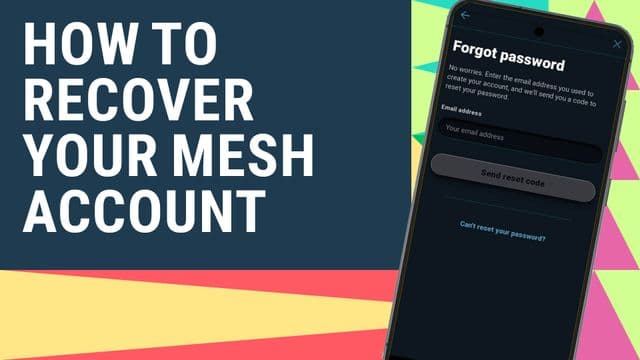
To recover your MESH account when you have forgotten your login credentials, follow the following the steps below:
• Download MESH app or go to www.mesh.life on your chrome browser. (Open the app if you already have it)
• Click on forgot password
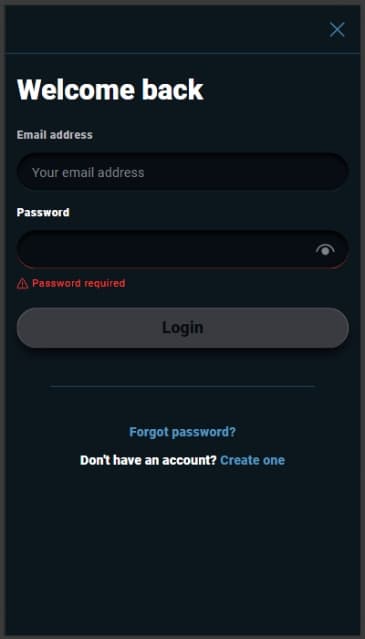
• Enter your email and click reset password
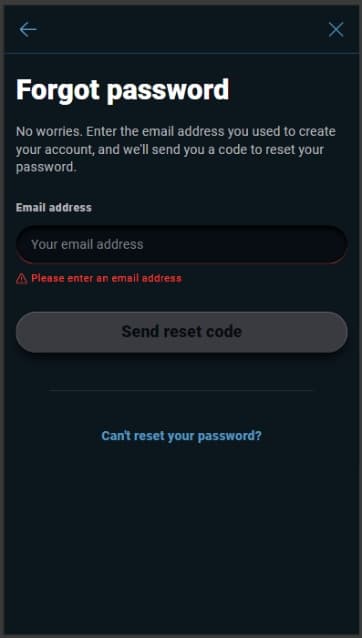
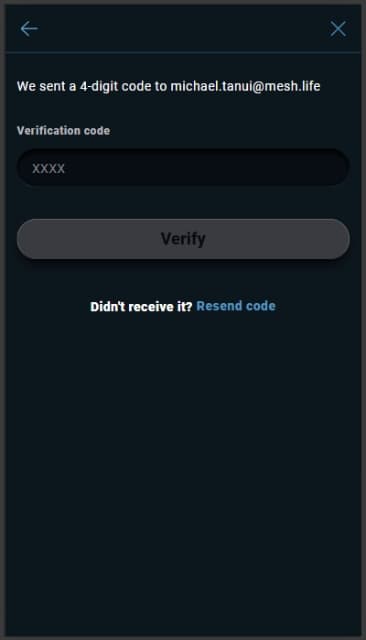
• Check your email for the reset code (OTP)
• Enter the 4-digit code and click verify
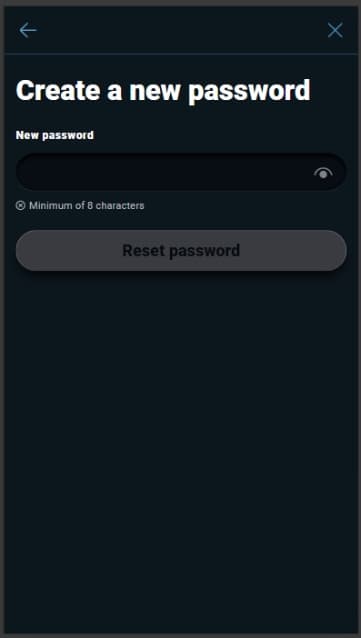
• Enter your new password. Make sure to proof check before pressing the reset button. Tip: you can use password manager on chrome to save your password safely.
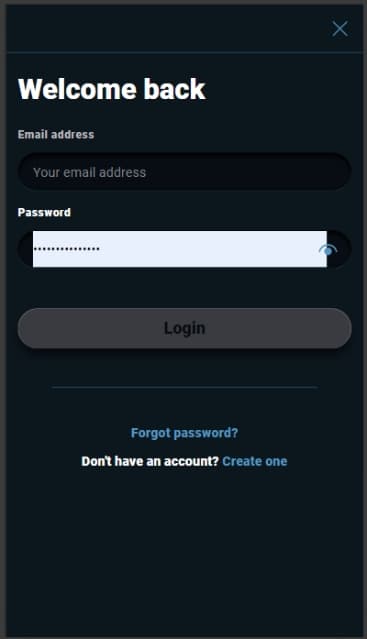
• Login to your account by entering your email and the new password you just created.
• Welcome back! You have successfully recovered your MESH account.